
Your browser. Your rules.
Software should adapt to the person holding the device, not the other way around. Nirvana provides fine-grained controls over toolbar placement, icon themes, and display density.
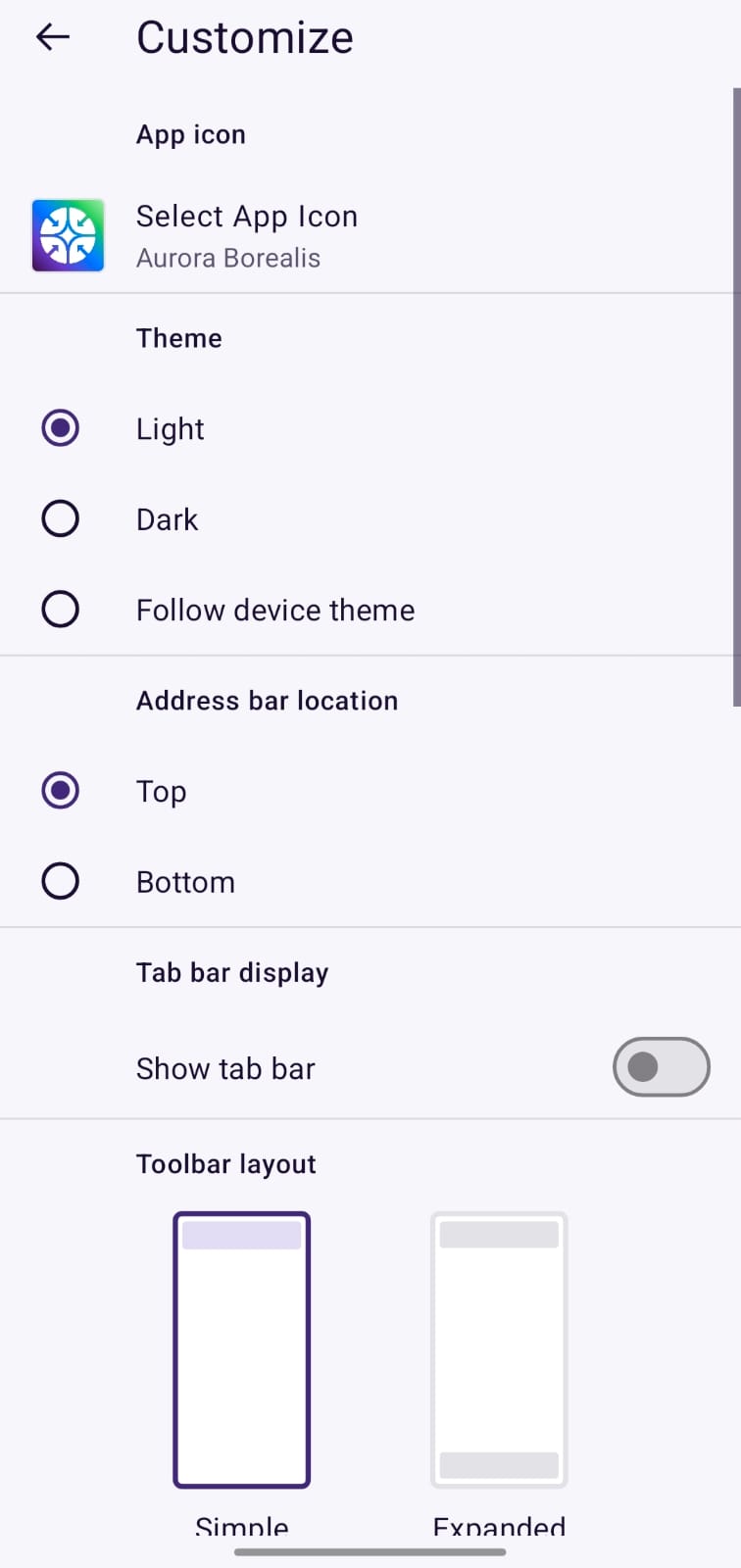
Actual Nirvana UI: App icon selection, Themes & Address bar location
Aurora Borealis & Signature Styles
Choose the launcher icon that best matches your home screen aesthetic. Switch between our signature warm orange emblem, the calming emerald-blue Aurora Borealis edition, or minimalist monochrome icons.
Top vs Bottom Ergonomics
Move the address bar and tab controls to the bottom of the screen for natural, strain-free one-handed browsing on modern large-screen Android smartphones.
Simple vs Expanded Layouts
Choose between a distraction-free simple bar that auto-collapses during scroll or an expanded multi-action dock with bookmarks, tab overview, and forward navigation.